
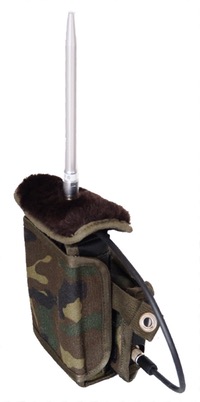
 Normal detection
 Longterm monitoring
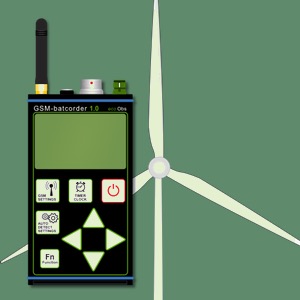 Nacelle monitoring
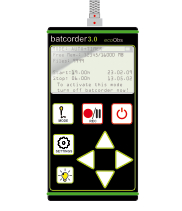 Normal detection


bcAdmin4
Save valuable time when working with large datasets
In acoustic long-term monitoring as well as when deploying multiple units simultaneously the amounts of data collected can be rather huge. Analyzing this data with common applications often is very time consuming or not doable at all. Good news is, that by using bcAdmin 4 you can save up to 70% of your work time. bcAdmin 4 is highly optimized and even faster to use than its predecessors. It will boost your efficiency. We are proud to say that with bcAdmin 4 you are using the best available application for working with large datasets. Modern automated acoustic recording creates literally thousands of recordings per day due to simultaneous use of devices as well as due to long-term monitoring. Analysing this data even with many modern tools does still take a lot of work time. Save up to 70% of your work time by using bcAdmin4. Designed and developed for and by bat experts it will raise your efficiency and give you more time to focus on the main task: creating a better world for bats.
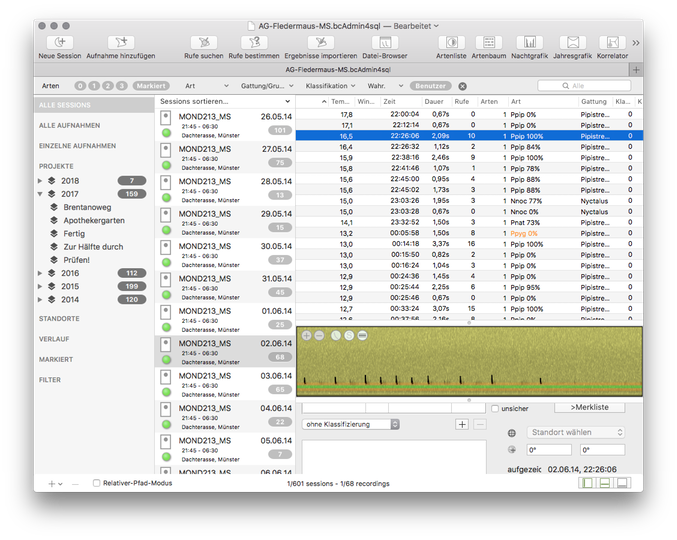
bcAdmin4 features a simple yet powerful interface giving access to your recordings metadata stored in database files. Links to the actual recordings on disk are stored contained in a so-called session. This resembles one night of data collected with one detector. A new features is the storage of single file references without a session. Session as well as recordings can be connected to various meta-data like locations or climate data. Using a database access to these information is lightning fast./p>
Apart from batcorder recordings bcAdmin4 allows to analyse the files created with other real-time bat detectors. So it brings you a central tool for all your acoustic bat data.
Features
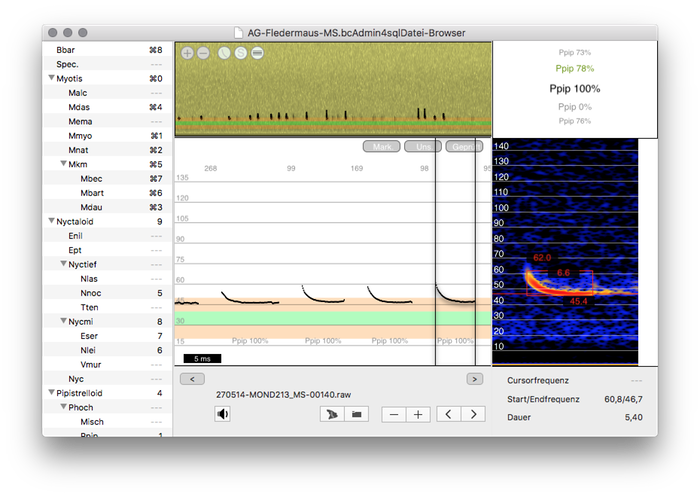
Automated call search and analysis is the main work for bcAdmin. After importing recording references one can initiate the call search and found calls can be easily identified using batIdent. Manual control of results is the typical step after the automated processes. Hereby bcAdmin supports you presenting call and sound previews in the recording table as well as in the specialized File Browser. There you can also manually measure found calls.
Opening multiple databases allows copy and paste of information between database files. These are stored internally as SQLite3 files, one of the most powerful file based database systems.
Analysis of data
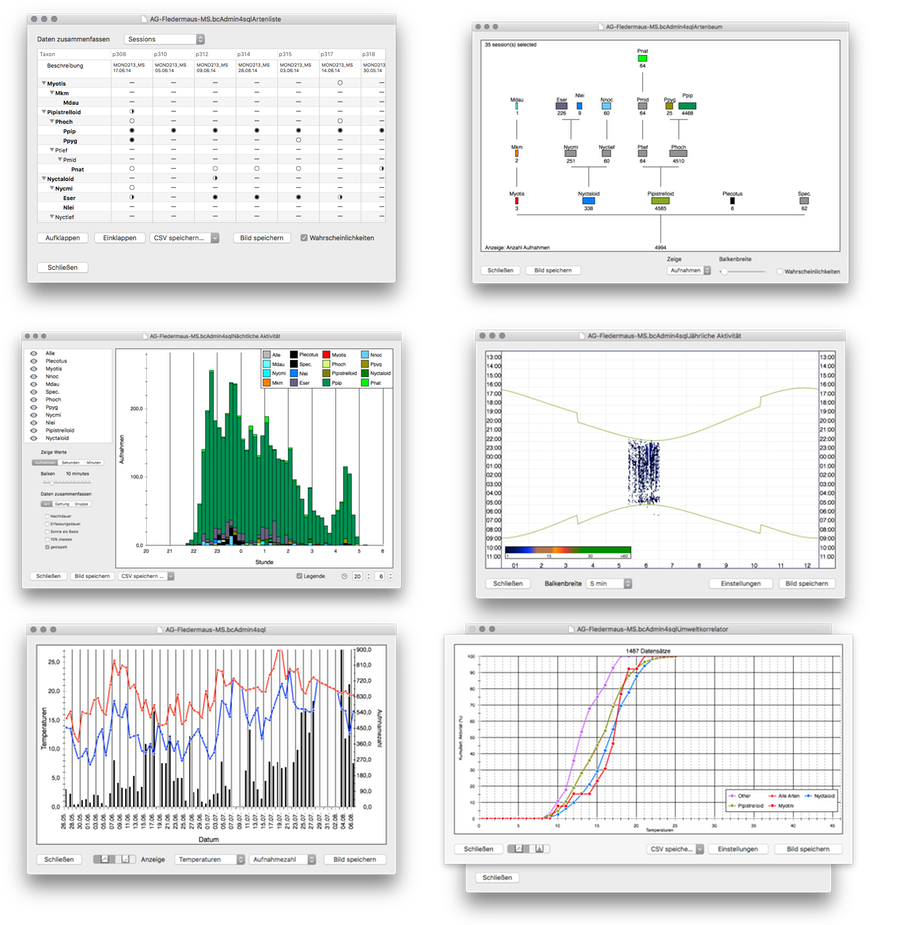
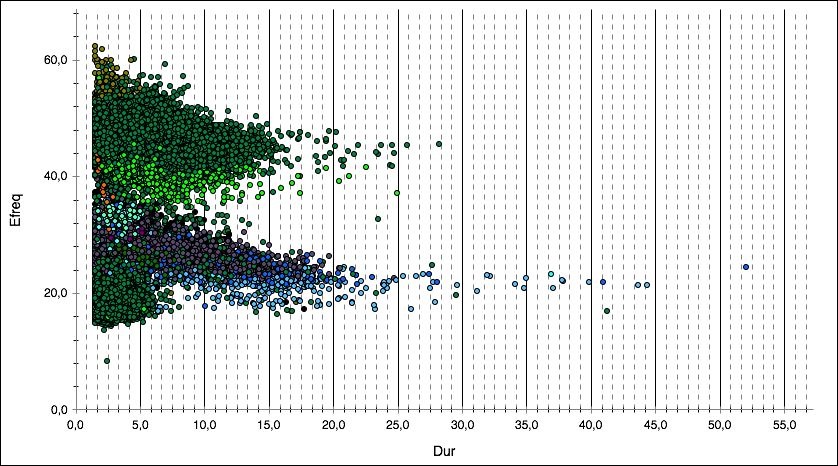
bcAdmin gives you access to many different tools for analyzing your data. Let it be species overviews or reports on activity. The later can be used analogue to cross-tables and allows display of various parameters filtered by different properties. Nightly and yearly activity plots can be easily created. For those interested in more details of call properties, scatter plots of call parameters over night or against each other can be easily drawn. Actually you have the agony of choice between most typical plots and analysis, all generated by a single click. No other tools are necessary. Most plots can be saved as image files for direct use in reports or other work.
Umfangreiche Filter
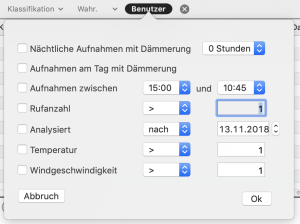
Filter your data based on various criteria. Filters are active at once and the tabular displays are adjusted as necessary showing the subset of data. Some criteria are recording time, call number or species/genera.
Environmental data
bcAdmin allows to connect bat activity with various environmental data, front and foremost temperature and wind speed. This allows differentiated view on activity and correlation with influencing variables. Using such data in bcAdmin gives access to plots showing for example activity in correlation with minimum and maximum temperatures per night. If wind speeds and temperatures are given for a set of recordings, these can also be plotted in a xy-scatterplot helping to understand activity at wind turbines.
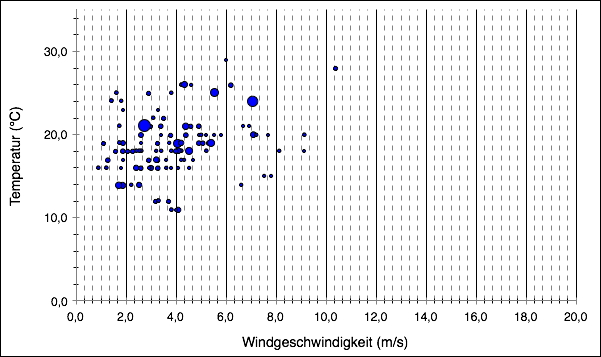
Using bcAdmin with non-batcorder recordings
By extending bcAdmin we quite often set standards for bat researchers. Many of the plots featured in bcAdmin nowadays are seen as standard by government agencies when judging consulting reports. This leads to other tools copying our features. We are happy to act as pioneers and help to improve working with and for bats in the frontline. That is our place.
Prerequisites for good measurements
While bcAdmin in general can deal with many different recording devices, there are some prerequisites that improve the automatic measurements. We recommend to use real time recordings of at least 350 kHz sample rate (500 kHz preferred). Amplitude resolution must be 16 bit. System noise should stay below -45 dB (relatively to maximum resolution). The batcorder records with a system noise of -53 dB or less. The SNR (signal to noise ratio) has a strong influence on the process of automatic measuring of calls. The worse the SNR, the less reliable the identification process will work.
License
The license is always valid for the current calendric year you bought it in. After expiring the app will continue to run but support or updates can not be used for free.
Downloads
-
Manual
You can download the bcAdmin4 manual as PDF. More documents and manuals can be found on our Download area.
-
Changes
See a chronologue list of changes.