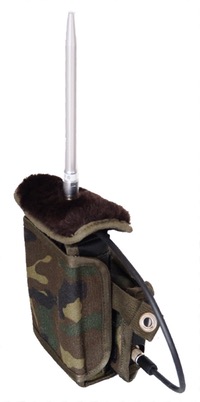
 Normal detection
 Longterm monitoring
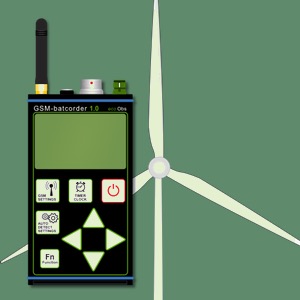 Nacelle monitoring
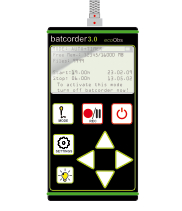 Normal detection


bcAnalyze4
Fast and modern call analysis
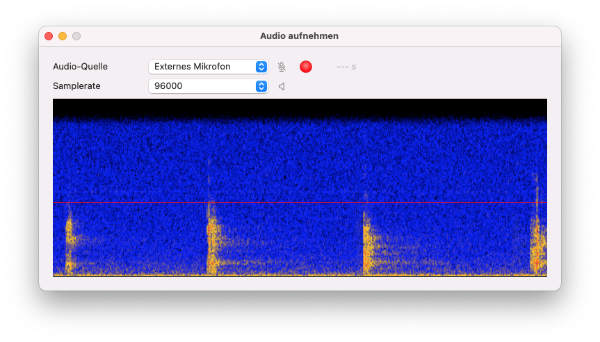
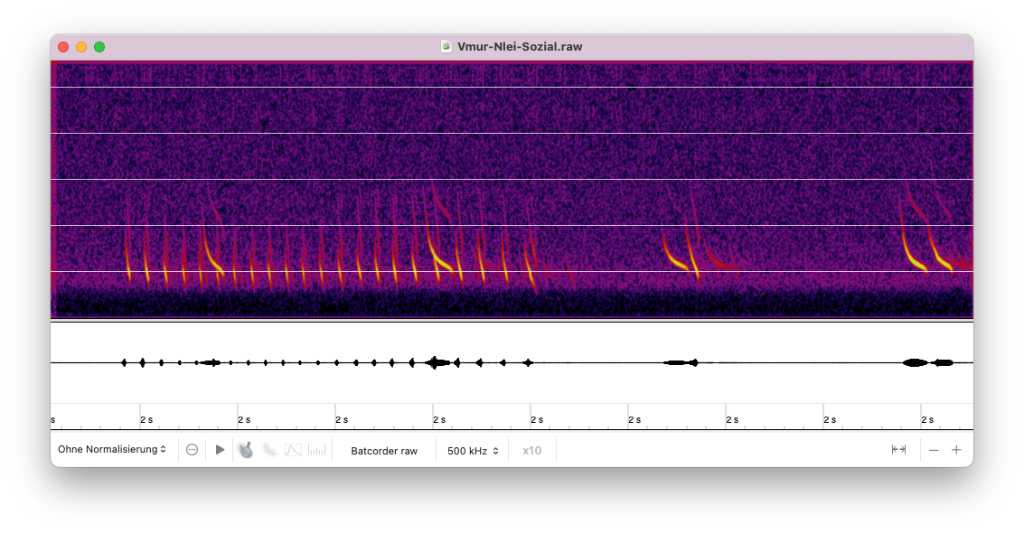
The application bcAnalyze 4 is highly specialized for working with realtime bat call recordings. It was developed for bat researcher, bat consultants and interested hobbyists. In its 4th generation it features even faster sonagram display and a couple of new tools for identifying species. For example high resolution sonagram images for printing can be exported. Another new feature is the possibility to connect a high speed USB microphone and record audio directly within bcAnalyze on your Mac. A free version bcAnalyze4 Light is available for beginners with limited features.
bcAnalyze 4 and Light?
In spring 2026 we have switched from the reoccurring Pro subscription to a single time payment for the app. All former pro features are available directly after buying bcAnalyze from the Mac AppStore. The light version is freely available as independent application.
Visualize bat calls
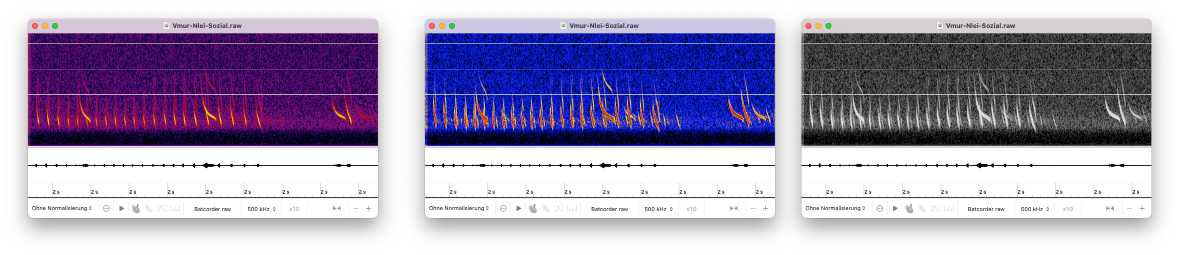
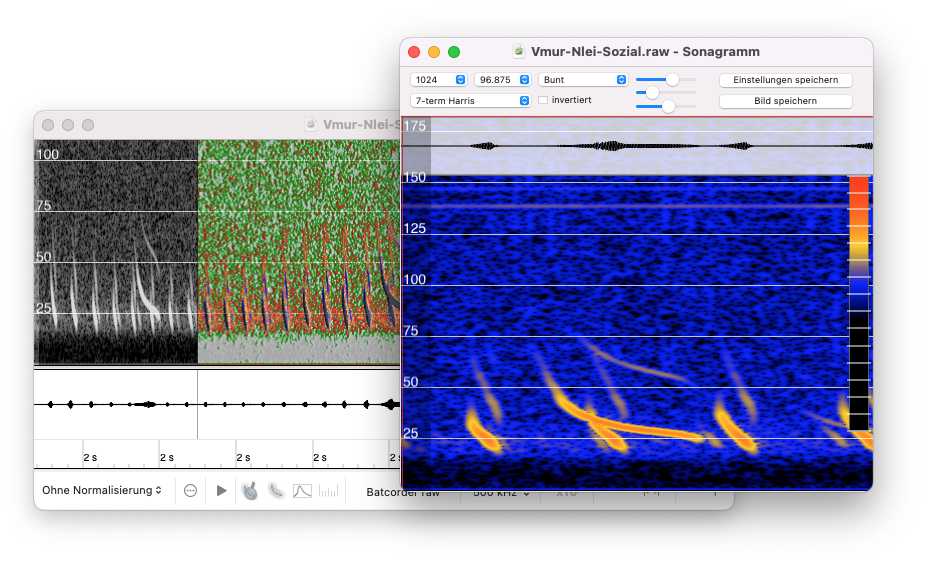
Expect a lightning fast sonagram display. Already while opening a recording a sonagram is calculated to give a full overview of the file. A multitude of settings for this initial display can be adjusted to your needs and liking. These include color schemes or cancelation of lower amplitude background noise.
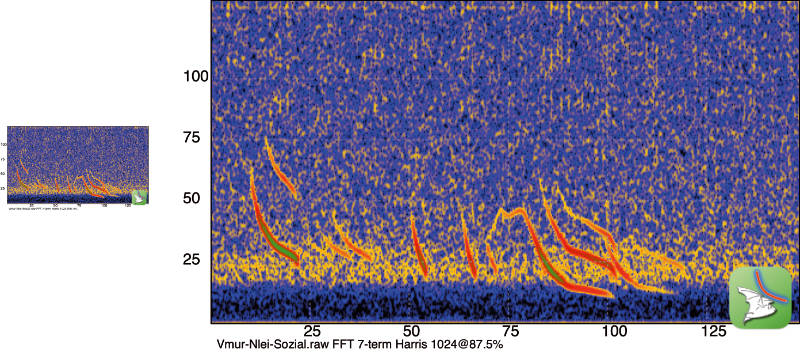
In addition you can not only zoom in for details but also open a special sonagram for measuring calls. From the measurement sonagram window a highresolution image can be saved.
Pro subscription
The payed AppStore version gives a multitude of tools and allows more customizations of display. The free light version does not include these tools.
Call inspector
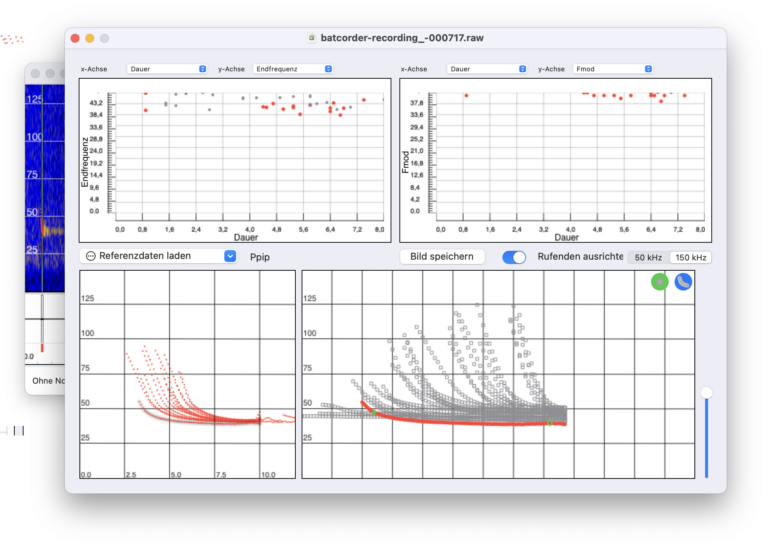
Often it is quite a struggle to identify a call on species level. Every help is welcome for this task. With bcAnalyze4 you get a new tool - the so called call inspector. It helps you comparing calls with references or other recordings. Use clever overlays to improve identification results. This is tailored for common european species.
File browser
A handy tool to browse through your folder with recordings - displayed as sonagrams. In seconds you get an overview of which files contain interesting calls. This pro tool has another handy feature: batch processing for example using the call finder or file format conversion.
Sonagram settings
The pro subscription gives you more control over the sonagram displays. For one you can switch the various fft settings and thus adjust time and frequency resolution. Furthermore you can select one of the various colorizations.
Sonagram overlap
After selecting a call in a sonagram you can copy and paste the image into another sonagram and choose the way this is overlayed (mixing of colors etc). That way you can quickly compare sonagrams of calls.
Record sound
Owners of a ultrasound USB microphone - like the Pettersson with 384 kHz samplerate - can capture audio using the microphone and bcAnalyze.